






Telegram Tdata login use text tutorial + video tutorial (suitable for computer + TG Tdata data package)

Which account purchased, must use corresponding region's IP to log in, otherwise may lead to account abnormality.
This tutorial only applies to computer version using tdata data package to log in
Step one: Download telegram tdata data
After purchase contact staff, will send you account file
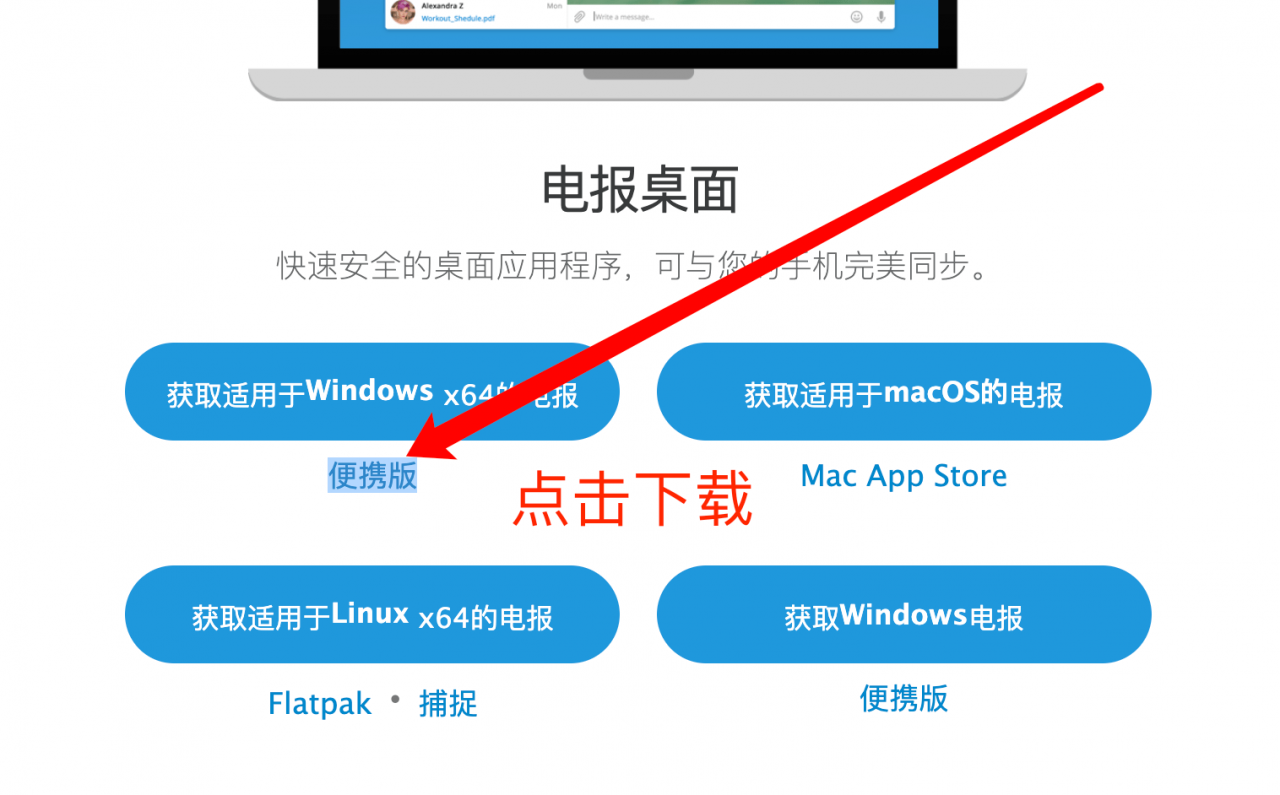
Step two: Go to official website to download latest version client
Latest PC version download link: https://telegram.org/dl/desktop/win64_portable
Step three: Unzip telegram portable version, copy telegram.exe file to account file tdata directory same level
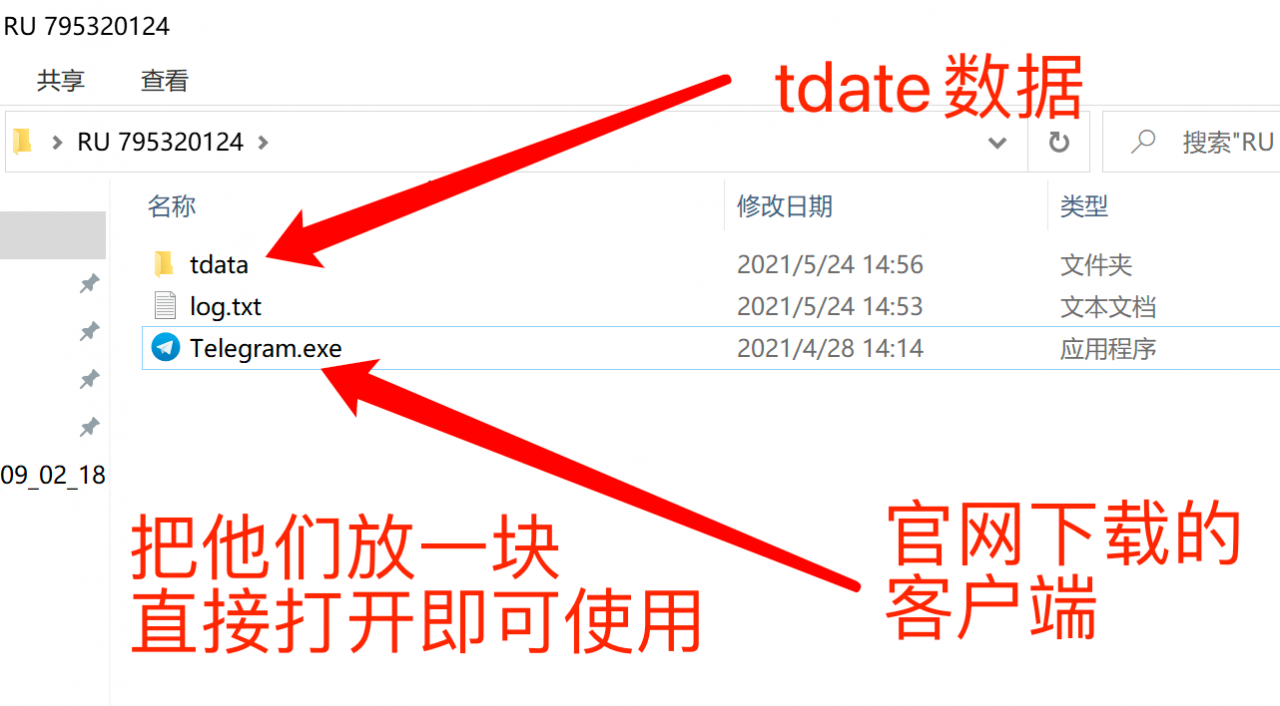
Here directly double-click to open main program can use, directly is login status, as long as you do not log out can always be used!
Video tutorial: