






Instagram how to log in use?

Login process after purchasing ins account
1.Account login is divided into using 2fa login, email login, and using cookie login First step explains using 2fa two-step verification login tutorial After purchase you will roughly receive this information (account|password|2fa|email|email password|cookie (some accounts may have format differences, but login information will be included)
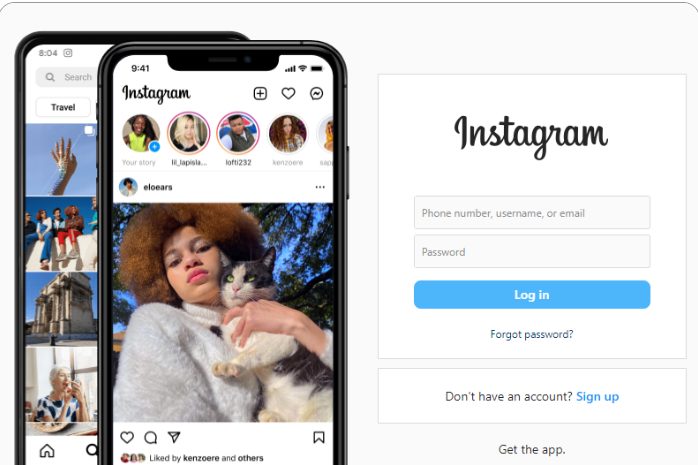
2.Use account password to first log in to account (each login method's first step requires using account and password now ins login interface first log in
- After logging in, the system will prompt to enter two-step verification code. At this time, you need to open the application that received the "2fa" information (https://www.humkt.com/2fa), enter the displayed code to complete verification
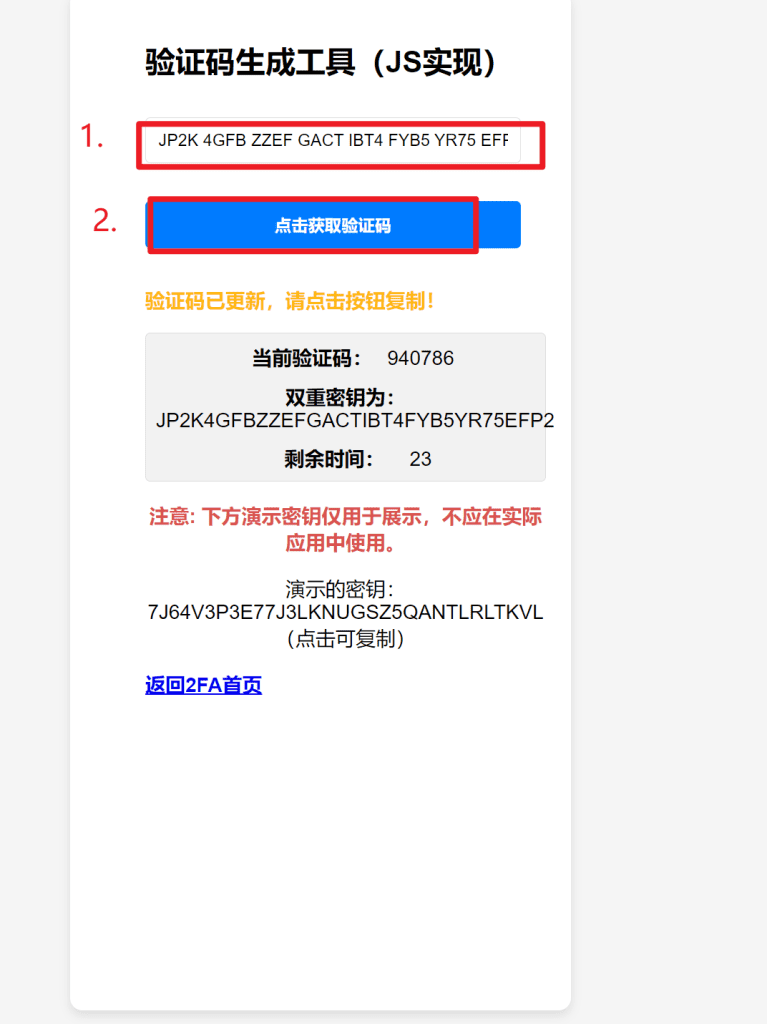
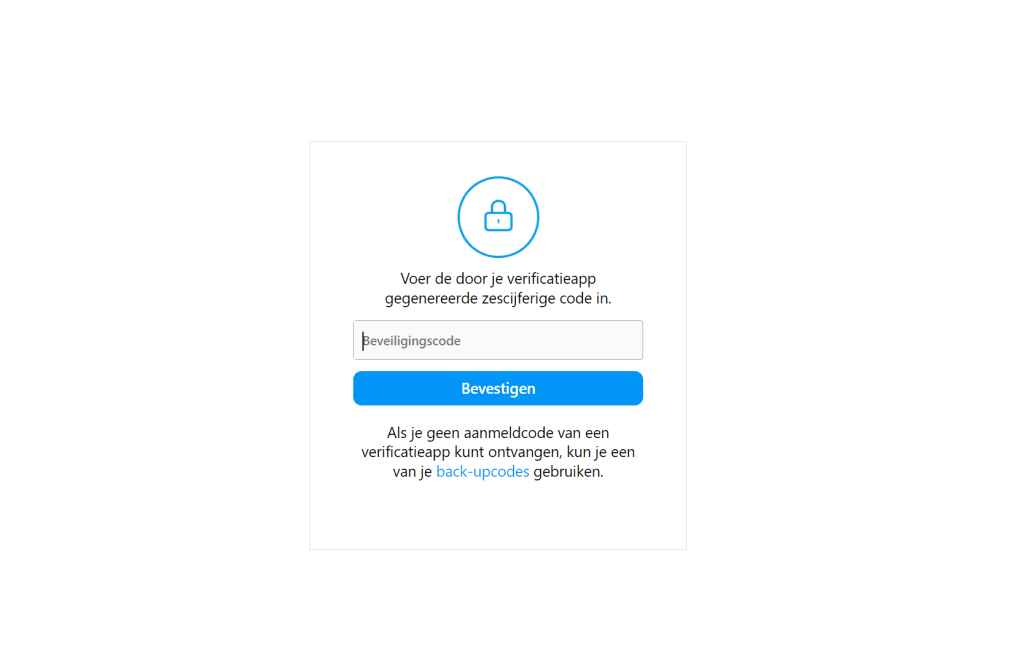
- Once verification is successful, you will successfully log in to the account. At this time, you can change account settings or perform other operations as needed.
Next, explain the method of logging in using email:
- If you choose to log in using email, first need to select "Forgot password" or "Log in with email" option on the login interface.
- Enter the email address provided when purchasing the account, then click send verification code.
- Log in to your email account, look for the email from Instagram, copy the verification code inside.
- Return to the Instagram login page, enter the copied verification code, then set a new password.
- Use the new password and account to log in again, this way you can successfully log in using email.
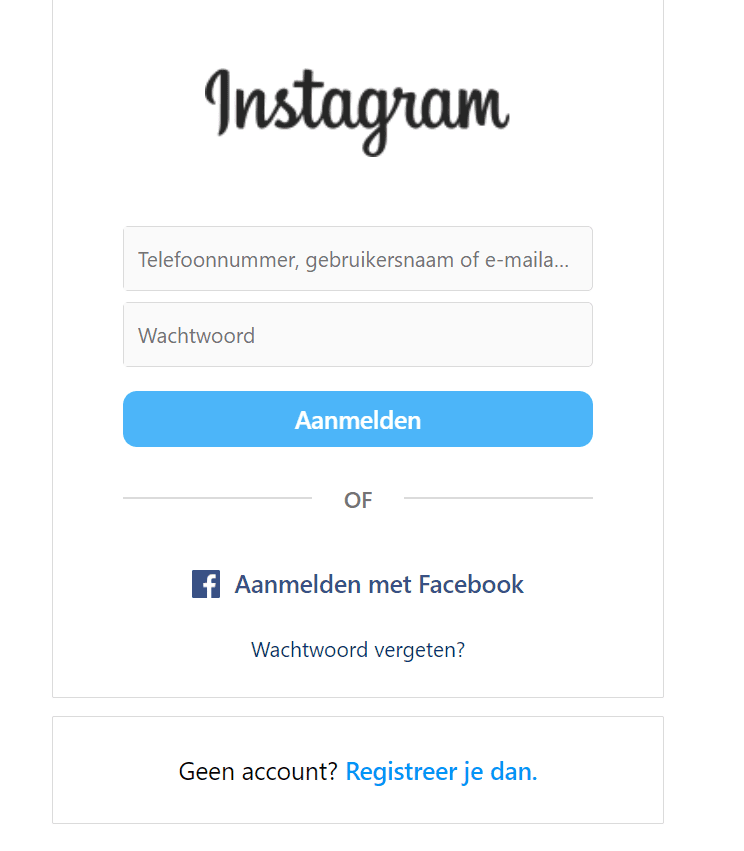
Finally, explain the steps for logging in using cookie:
- Using cookie login usually requires using Google browser extension or tool, these tools can help you import cookie to browser.
- First, ensure your browser has installed suitable extension, such as Cookiedough etc.
- Open Instagram's login page, then import the cookie data provided when purchasing the account through the extension.
- After importing cookie, the page should automatically refresh, you will directly log in to the account without entering account and password.
Cookie login video tutorial:
Each login method has its specific scenarios and advantages. Using 2FA login is the safest method, but requires extra steps for verification. Email login is suitable for forgetting password or needing to reset password situations. While cookie login is a quick direct method, suitable for users familiar with technical operations. When using any login method, ensure your login information is secure, avoid leaking to unauthorized third parties.