






Use Google browser web script file log in telegram (computer only)
The account purchased must use the corresponding region's IP to log in, otherwise it may lead to account anomalies.
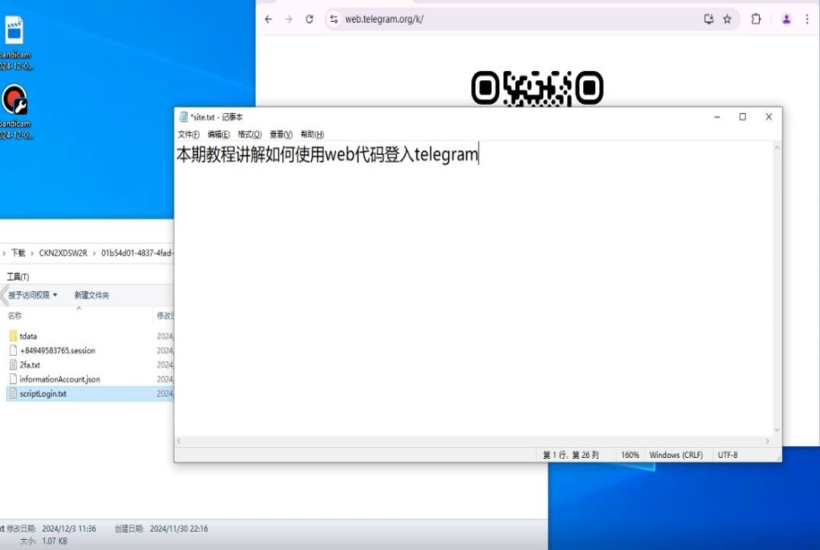
This tutorial explains how to use web code to log in to telegram on Google Chrome
(This tutorial is only for those with scriptLogin.txt file)
1.Open web tg(https://web.telegram.org/k/)
2.Press F12
3.Select Console
4.Open the scriptLogin.txt in the downloaded file
5.Enter "allow pasting" in the browser console
6.Copy the entire text and paste it into the browser console
7.Press f5 to refresh the page
Completion here
(This tutorial is only for those with scriptLogin.txt file)
1.Open web tg(https://web.telegram.org/k/)
2.Press F12
3.Select Console
4.Open the scriptLogin.txt in the downloaded file
5.Enter "allow pasting" in the browser console
6.Copy the entire text and paste it into the browser console
7.Press f5 to refresh the page
Completion here
Video tutorial: